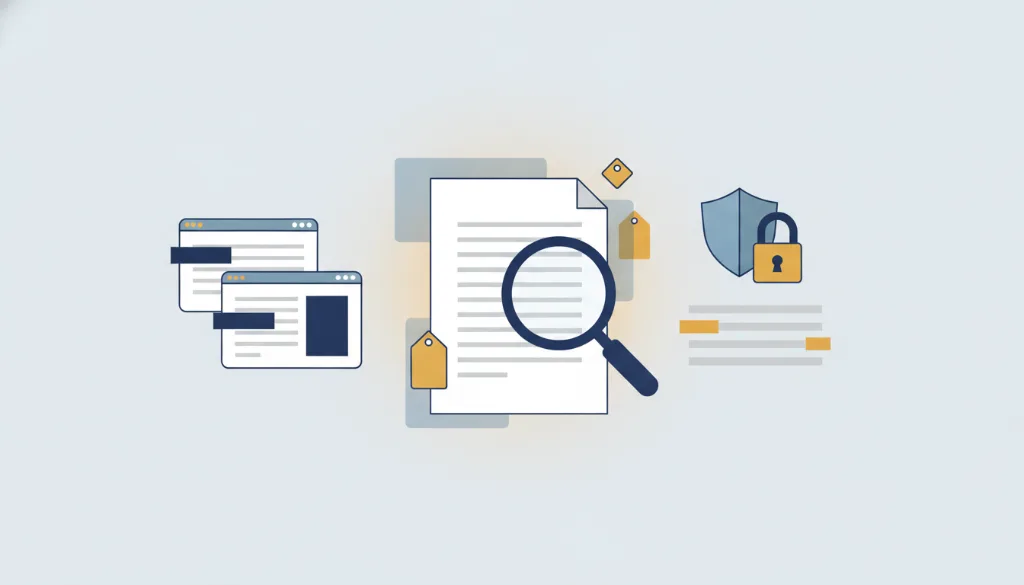
Fake-redaction detector / PDF inspector
See in one second whether text under the black bars is still copyable
Drag a file here, or click to choose
Processed locally in your browser — never uploadedUpload a PDF and this tool renders every page, samples the pixels, and flags any "fake redaction" — areas that look covered by a black box but whose underlying text is still copyable. It also lists identity-leaking hidden metadata (author, creator, timestamps) and tells you whether the file is searchable or scanned. The whole check runs locally; nothing is uploaded. Run it before sharing any "redacted" file.
How to use Fake-redaction detector / PDF inspector
- 1Pick the PDF to inspect — analyzed locally, never uploaded
- 2Wait a few seconds for the per-page render and sampling
- 3Read the report: fake-redaction pages, leaking metadata, searchability
- 4If fake redaction is found, jump straight to the true PDF redaction tool
Why this tool
Almost no competitor offers a verifiable "did the redaction actually work" check. We use post-render pixel sampling (far more robust than parsing operator geometry) to catch copyable text under black bars — turning the verifiability nobody else bothers with into your last line of defense.
FAQ
- Does it guarantee my file is 100% safe?
- No. It is a heuristic that errs toward false negatives. It catches the most common "black box" fake redaction, but PDFs are complex — always combine it with a manual copy-paste check.
- Does inspecting change my file?
- No. It is read-only analysis; no new file is produced and your original is untouched.
Related tools
Updated 2026-06-10 · PrivScrub